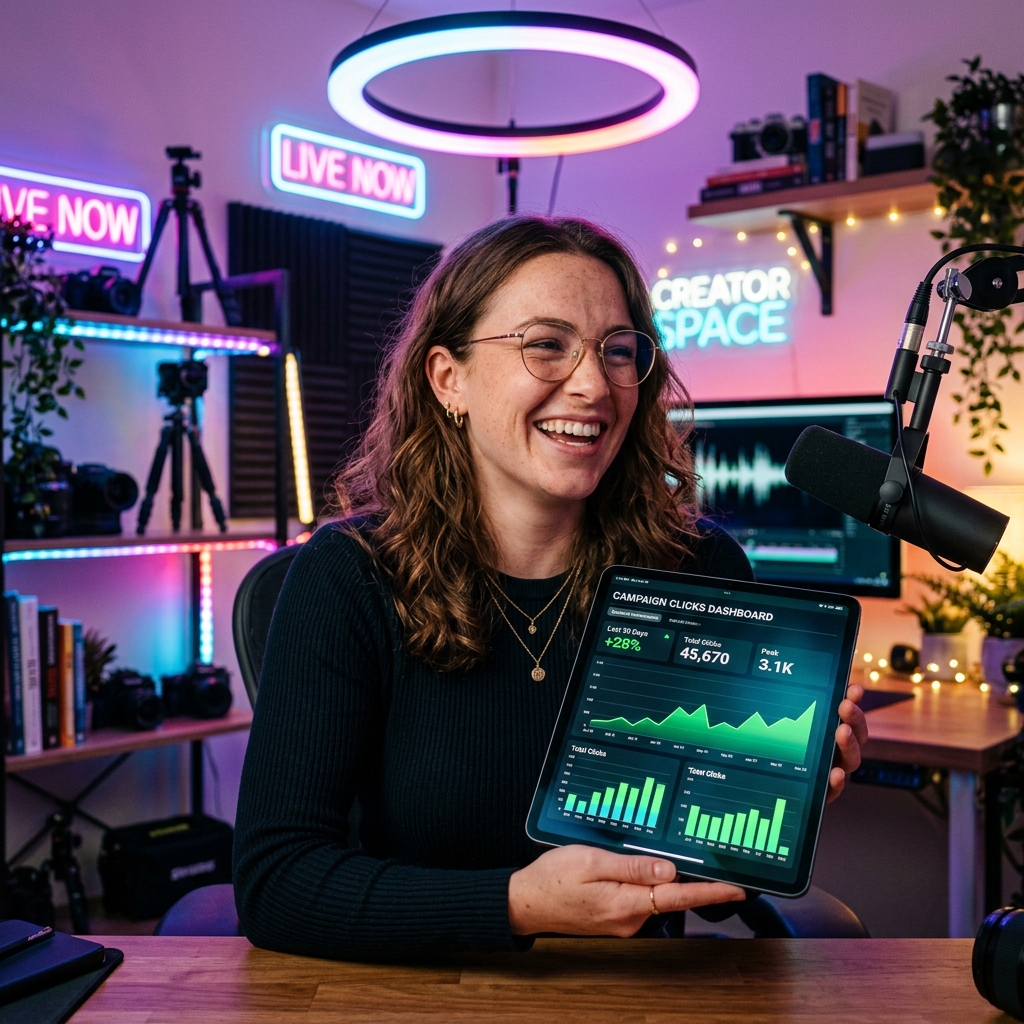
In the fast-growing creator economy, brand deals and sponsorships have become the primary source of revenue for influencers, YouTubers, and podcasters. However, as marketing budgets face tighter scrutiny, brands are no longer satisfied with vanity metrics like follower counts or video impressions. They want to see direct, measurable results. Specifically, they want to know how many people clicked through to their site and bought their products.
For creators, this shift presents a massive opportunity. By mastering link tracking, you can move away from guessing and start proving your exact return on investment (ROI). This level of professionalism not only secures renewals but also gives you the data needed to command higher pricing in negotiation.
In this guide, we will explore why standard links fall short, how to build a robust click-tracking framework, and how you can use tools like LinkZip.uk to impress sponsors with real-time data reports.
The Problem with Generic Sponsor Links
When you sign a contract with a brand, they typically provide a long, tracking-heavy link to place in your video description, Instagram bio, or newsletter. These links usually look like this:
https://brand.com/products/promo-item?utm_source=youtube&utm_medium=influencer&utm_campaign=summer_deal&affiliate_id=94827
While these URLs contain important tracking parameters (like UTM codes), they present several major challenges for creators:
- Poor Visual Aesthetics: Long, messy URLs look suspicious and untrustworthy to modern web users, lowering click-through rates (CTR).
- Zero Visibility for Creators: The brand has access to their Google Analytics dashboard to see clicks, but you are left completely in the dark. If the brand claims your video only drove 10 clicks when it actually drove 500, you have no way to double-check their claims.
- No Editing Control: If the brand updates the promo link or changes the landing page halfway through a campaign, you have to manually edit all your past posts, video descriptions, and bio links—a tedious process that risks broken links.
By acortando and branding these links, you solve all three problems at once.
Step-by-Step Guide: Tracking Clicks and Proving ROI
To run a professional campaign that brands will love, follow this simple workflow:
Step 1: Create a Custom Short Link
Instead of pasting the long raw URL provided by the brand, shorten it using a professional link manager. If you use a custom short domain (e.g., go.yourname.com or a clean public domain like linkzip.uk), your link will look professional:
linkzip.uk/brand-deal
This builds trust and ensures your audience knows exactly where the link leads, resulting in higher click-through rates.
Step 2: Organize by Channel and Video
If you are running a multi-platform sponsorship (e.g., a YouTube integration, a TikTok video, and an Instagram story), do not use the same short link everywhere. Instead, create separate short links for each platform pointing to the same destination:
- YouTube:
linkzip.uk/brand-deal-yt - Instagram Bio:
linkzip.uk/brand-deal-ig - TikTok Bio:
linkzip.uk/brand-deal-tk
This allows you to see exactly which channel is performing best and adjust your efforts accordingly.
Step 3: Monitor Real-Time Click Data
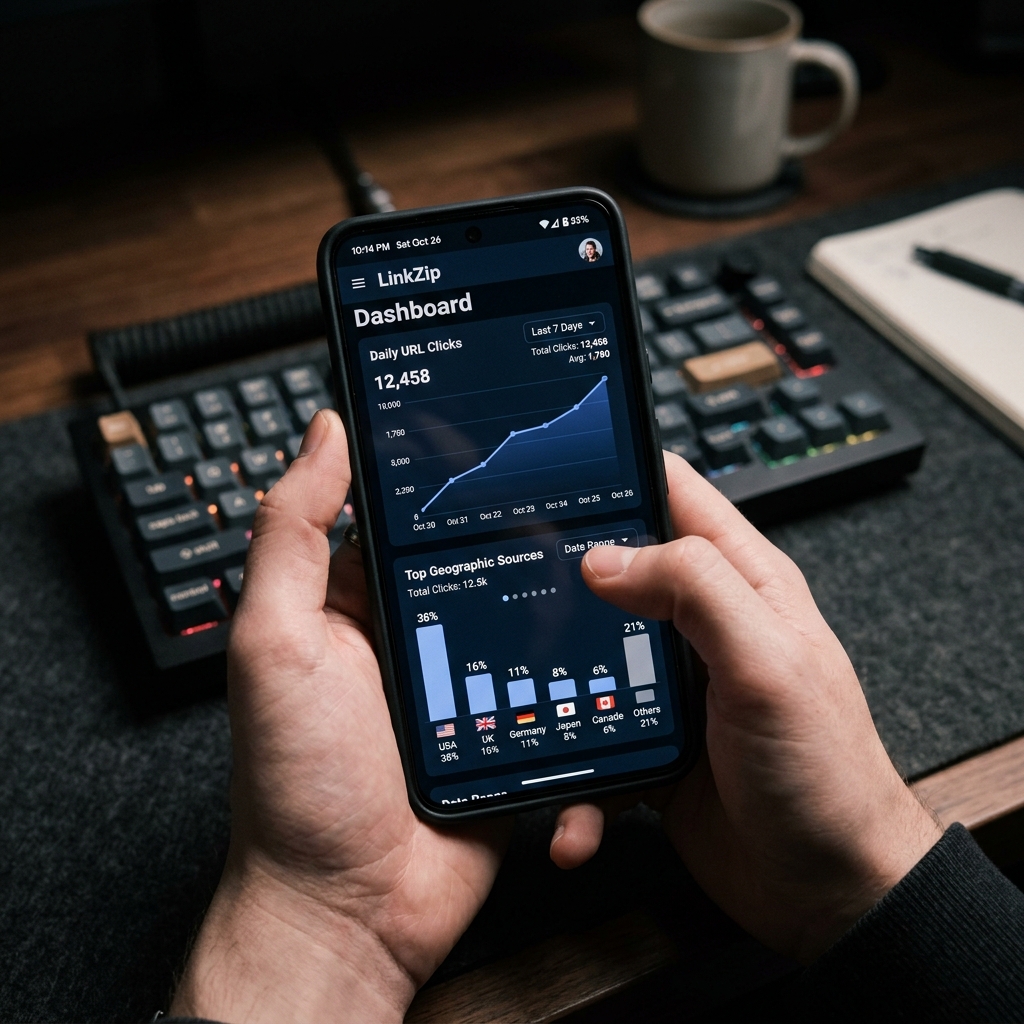
As soon as your content goes live, check your link management dashboard. Monitor the initial click spikes to see how your audience responds. You should look for:
- Click Volume: The total number of clicks over time.
- Geographic Data: Where your clicks are coming from. If a sponsor only ships to the UK and USA, knowing that 80% of your clicks came from those regions proves you reached their target market.
- Referrer Data: Confirming that clicks came from the platforms you posted on.
Standardizing Your Brand Deal Reports
When the campaign ends, do not wait for the brand to ask for results. Be proactive. Send them a professional “Campaign Performance Report” that outlines the exact click statistics.
A standard report format should include:
| Metric | Description | Value |
|---|---|---|
| Total Reach | Video views or post impressions | 25,000 |
| Total Clicks | Verified unique clicks generated | 1,240 |
| Conversion Rate (CTR) | Clicks divided by Reach | 4.96% |
| Top Country | Primary geographic location | United States (72%) |
Presenting this level of detail shows brands that you treat sponsorships as a business partnership. It makes you stand out from 99% of other creators and gives you a strong argument for requesting a contract renewal at a higher rate.
Track and Prove Your Sponsorship ROI
Stop guessing how your brand campaigns perform. Generate clean, trackable short links on LinkZip.uk to measure every click, analyze geographic traffic, and impress sponsors with real data.
Start Tracking FreeSummary
mastering link tracking is the most direct way to level up your business as a content creator. By protecting your brand’s aesthetics with short URLs, keeping a private record of your traffic data, and presenting professional click analytics to your sponsors, you build long-term, high-paying relationships with brands. Start acortando your sponsor links today and take control of your career metrics!